
Flick & Feast
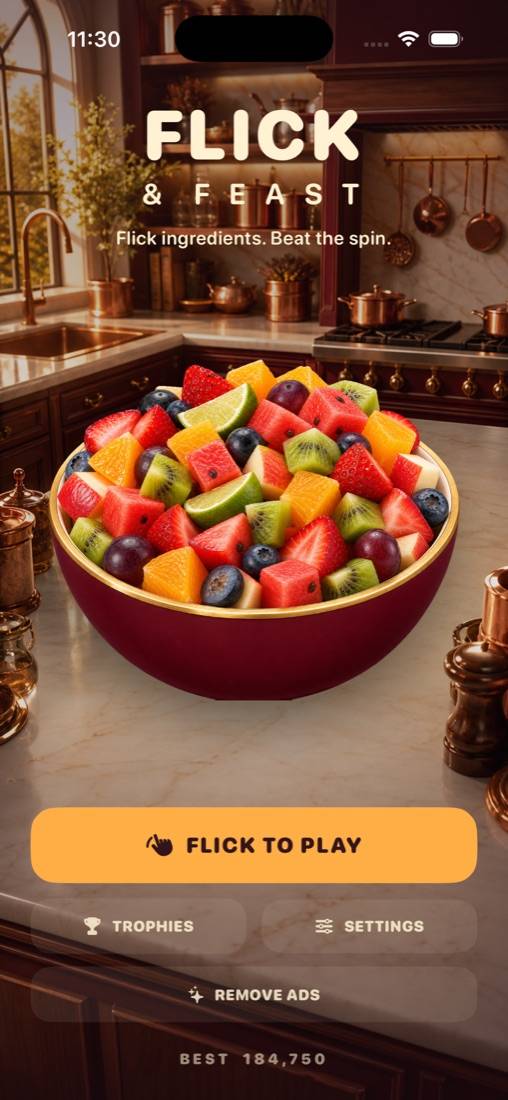
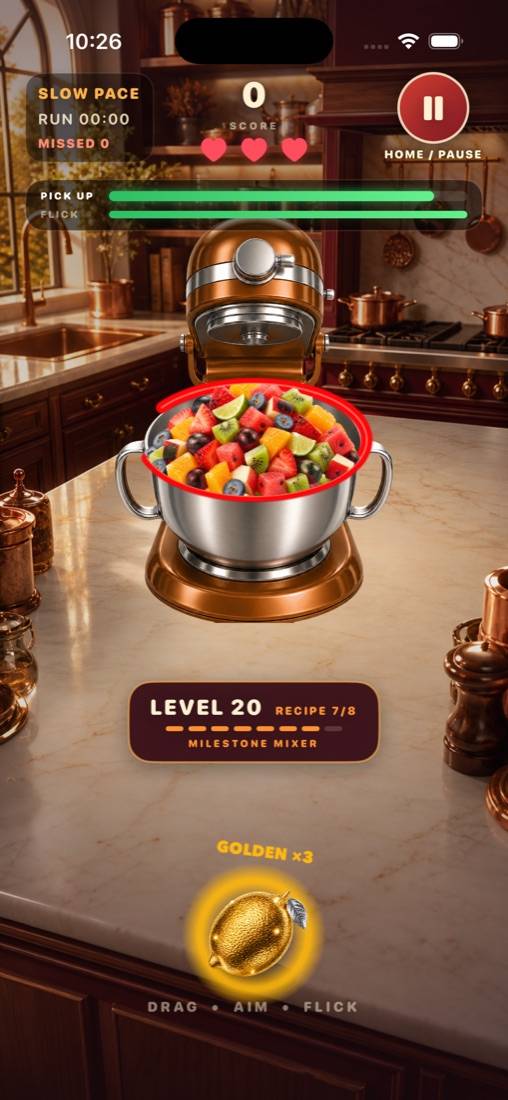
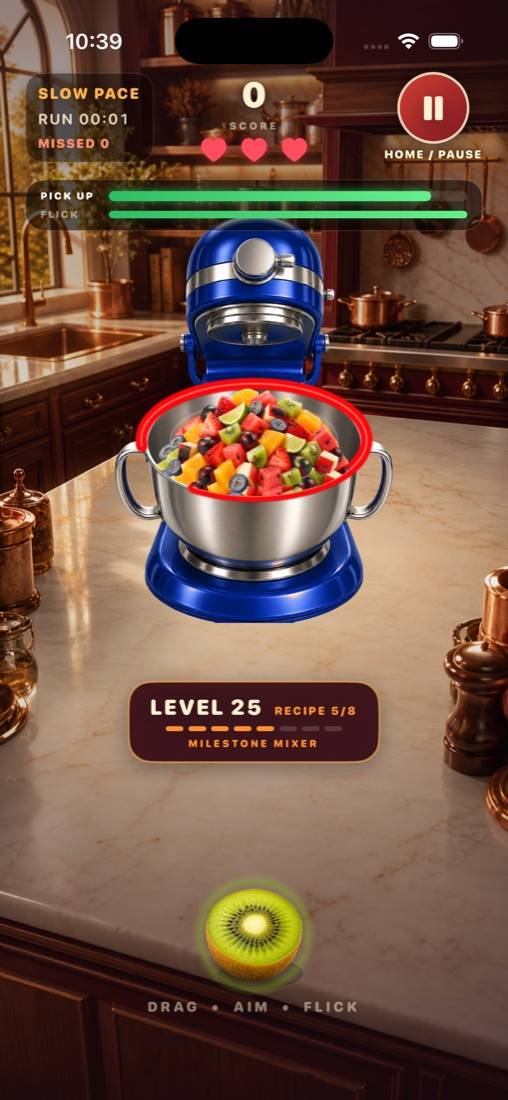
Flick ingredients. Beat the spin. A fast, one-thumb fruit arcade game. Drag, aim and flick colorful ingredients through the moving opening and into the bowl. Build combos, chase high scores and master an endless series of increasingly challenging kitchen levels.

Take a look
How it plays
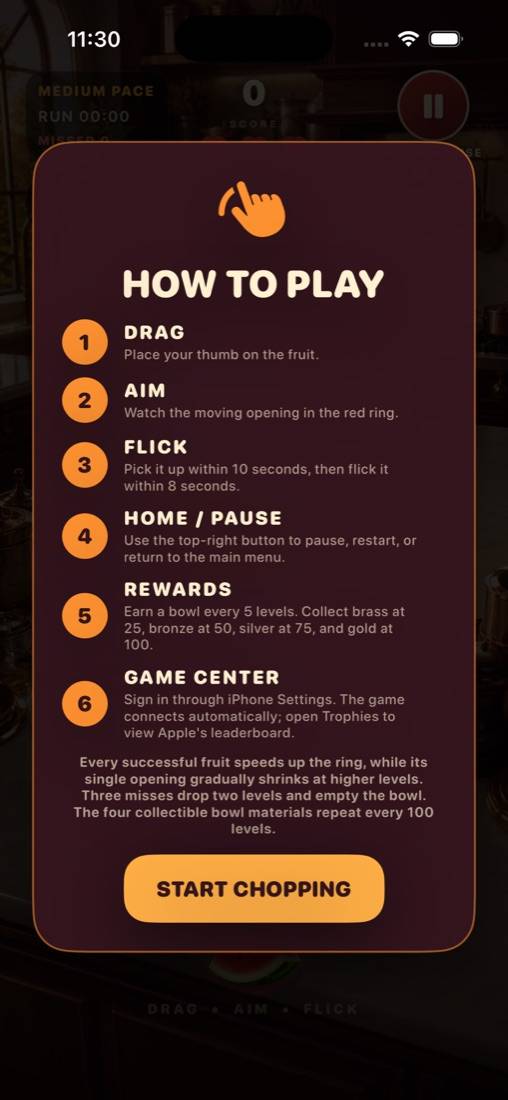
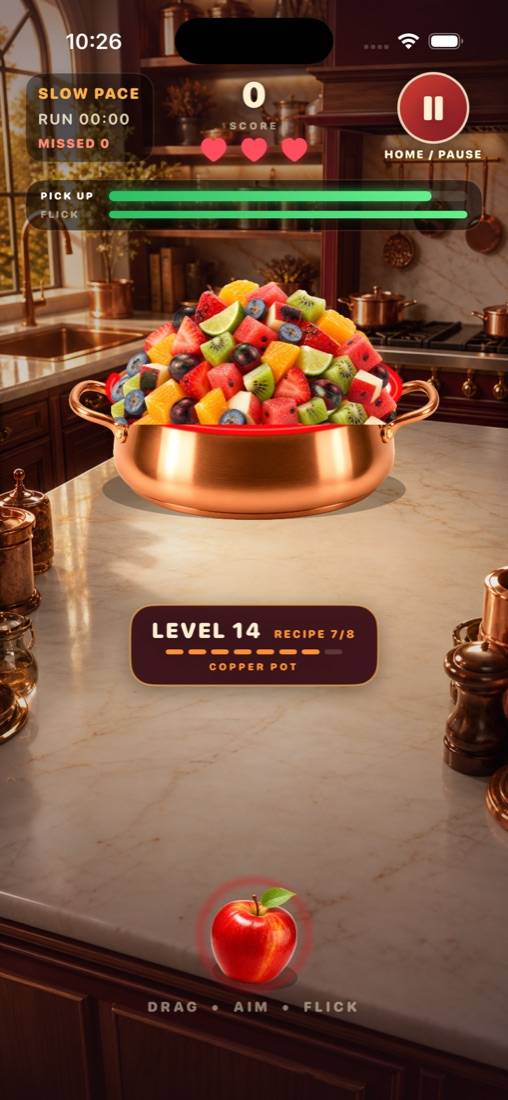
- Drag, aim, flickPlace your thumb on the fruit, watch the moving opening in the ring, and flick it into the bowl.
- Eight flicks a levelComplete eight successful flicks to advance. The ring accelerates with every success and its opening shrinks as levels climb.
- Three misses, two levelsMiss three times and you drop two levels, giving you room to rebuild momentum and try again.
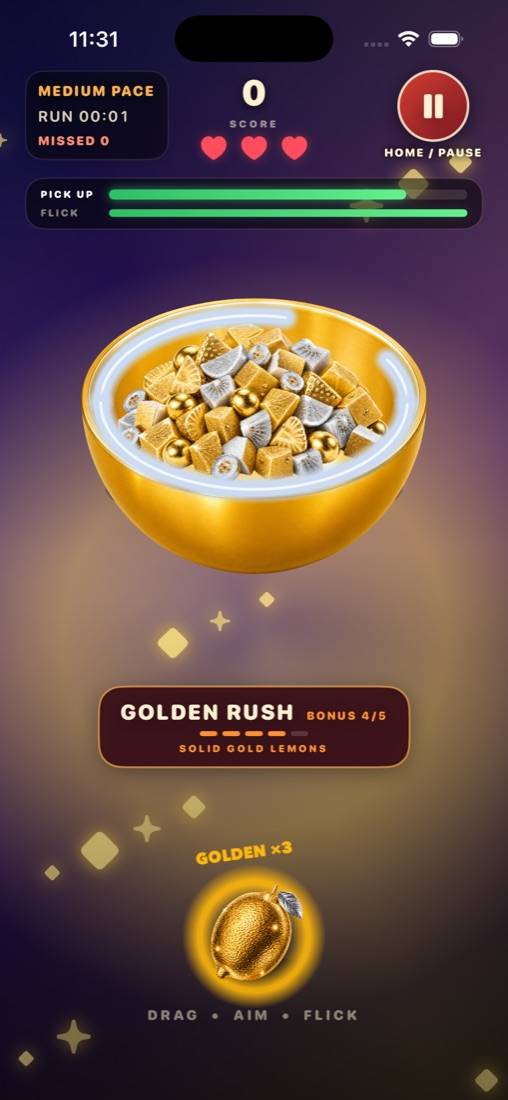
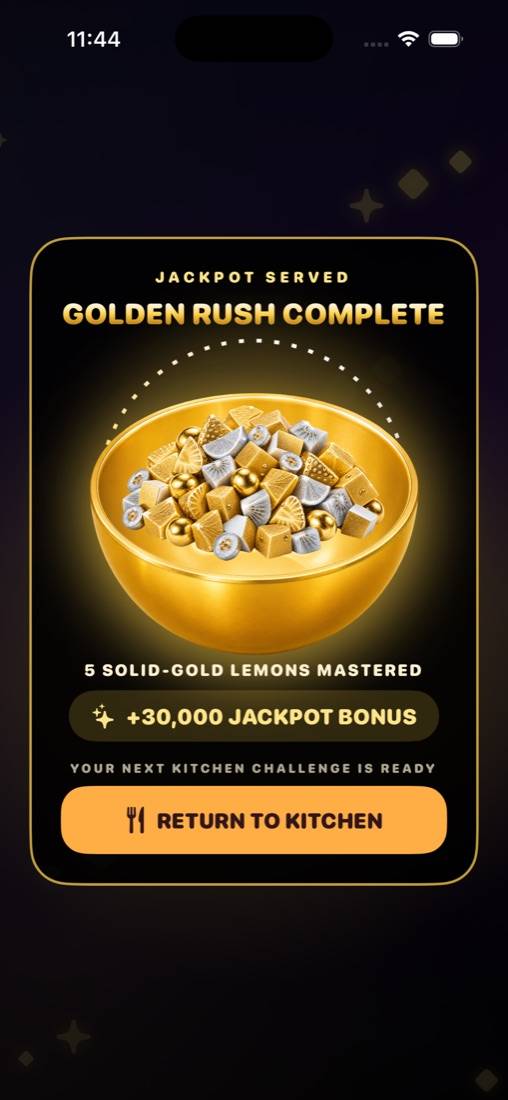
- Golden lemonsRare solid-gold lemons award triple points. Three restore a heart; six skip a Copper Pot hard level.
- Golden RushA perfect level can unlock an ultra-speed, all-eight-or-nothing bonus round.
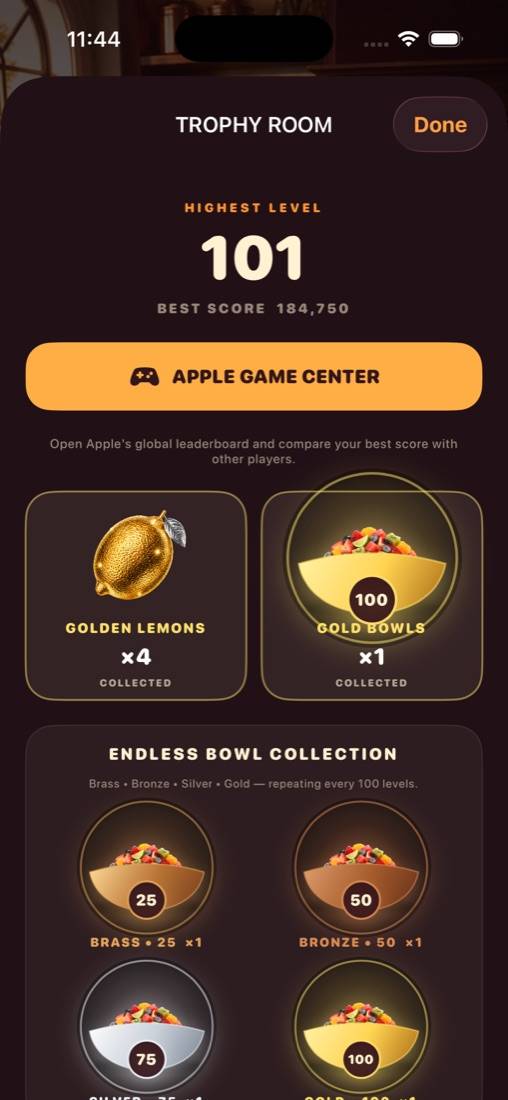
- Milestone mixers and bowlsMixers celebrate every five levels. Brass, bronze, silver and gold collection bowls repeat every 100.
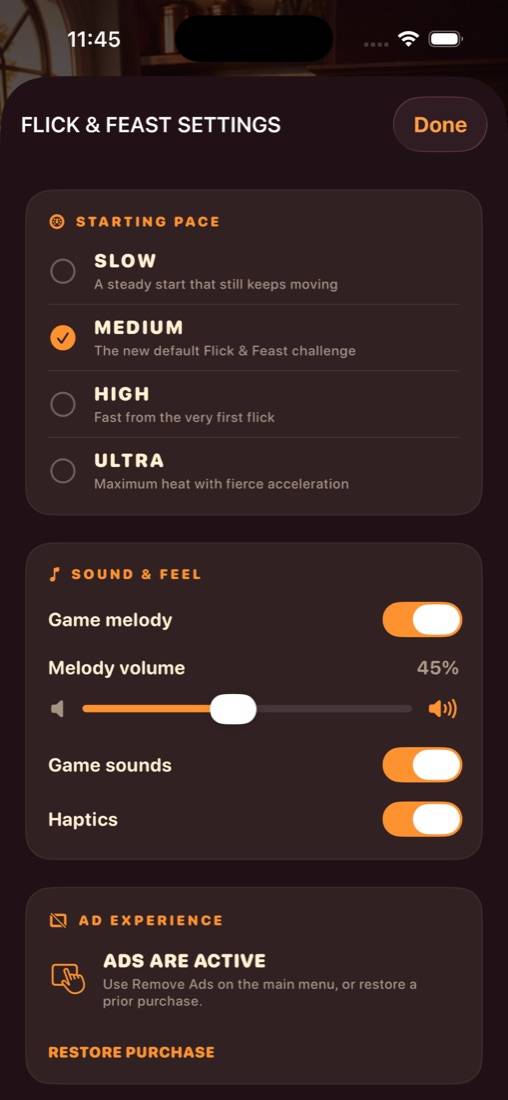
- Four starting pacesFrom a relaxed first run to Ultra Hard, where losing all three hearts resets you to level 1.
- Game Center and saved progressA global leaderboard, achievements and a Trophy Room. Your run is saved so you can pick up where you stopped.
Questions
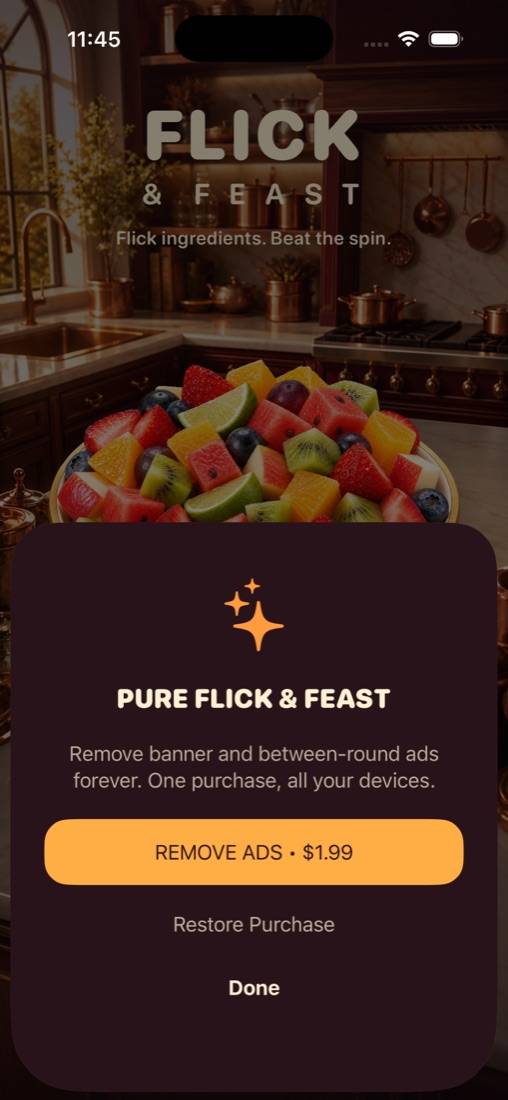
I bought Remove Ads on another device.
Open the pause menu or Shop and tap Restore Purchases. Remove Ads is a one-time purchase tied to your Apple Account.
What are Golden Lemons for?
Three Golden Lemons restore a missing heart. Six skip a Copper Pot hard level. You earn them in play, in Golden Rush, and can buy a pack of 10 from the pause screen.
My score isn't on the leaderboard.
The leaderboard uses Game Center. Sign in under Settings → Game Center on your iPhone, then finish a run.
How do I change ad privacy choices?
Open the game's Settings screen and tap Privacy Choices when it appears. You can also manage tracking under Settings → Privacy & Security → Tracking on your iPhone.
More on the support page. Read the privacy policy.